

Give your dbt Semantic Layer a voice: PowerMetrics as the AI and consumption layer
You've defined your metrics as code in dbt. PowerMetrics provides the visual, AI-powered interface your semantic layer has been missing—turning metrics-as-code into metrics-as-conversation. Your data team maintains the logic; your business team owns the exploration. Everyone works from the same definitions.
Recognized as a front runner (Software Advice), a high performer (G2), and a category leader (GetApp) in Analytics and Business Intelligence.

How to connect to dbt Semantic Layer
See how to connect to any supported data warehouse - including dbt Semantic Layer - and visualize your data as metrics.
Give your dbt Semantic Layer a voice
You've defined your metrics as code. Now make them usable for everyone.
The dbt Semantic Layer lets your analytics engineers standardize metrics in YAML—a single source of truth for how revenue, churn, customer acquisition cost, and other critical business measures are calculated. But there's a gap: your business users still can't see, explore, or query those metrics without a data analyst building a dashboard or writing code.
PowerMetrics closes that gap. It acts as the discovery and consumption layer for your dbt Semantic Layer, turning metrics-as-code into metrics-as-conversation. Your data team maintains the logic in dbt; your business team owns the exploration. Everyone works from the same definitions.
Why dbt teams need PowerMetrics
The headless semantic layer problem
Your dbt Semantic Layer is powerful—but it's invisible to most of your organization. Business users don't know which metrics exist, what they mean, or how to access them. They rely on analysts to build dashboards or answer questions. This creates a bottleneck: every "simple" request becomes a ticket, and your data team spends time on repetitive work instead of strategy.
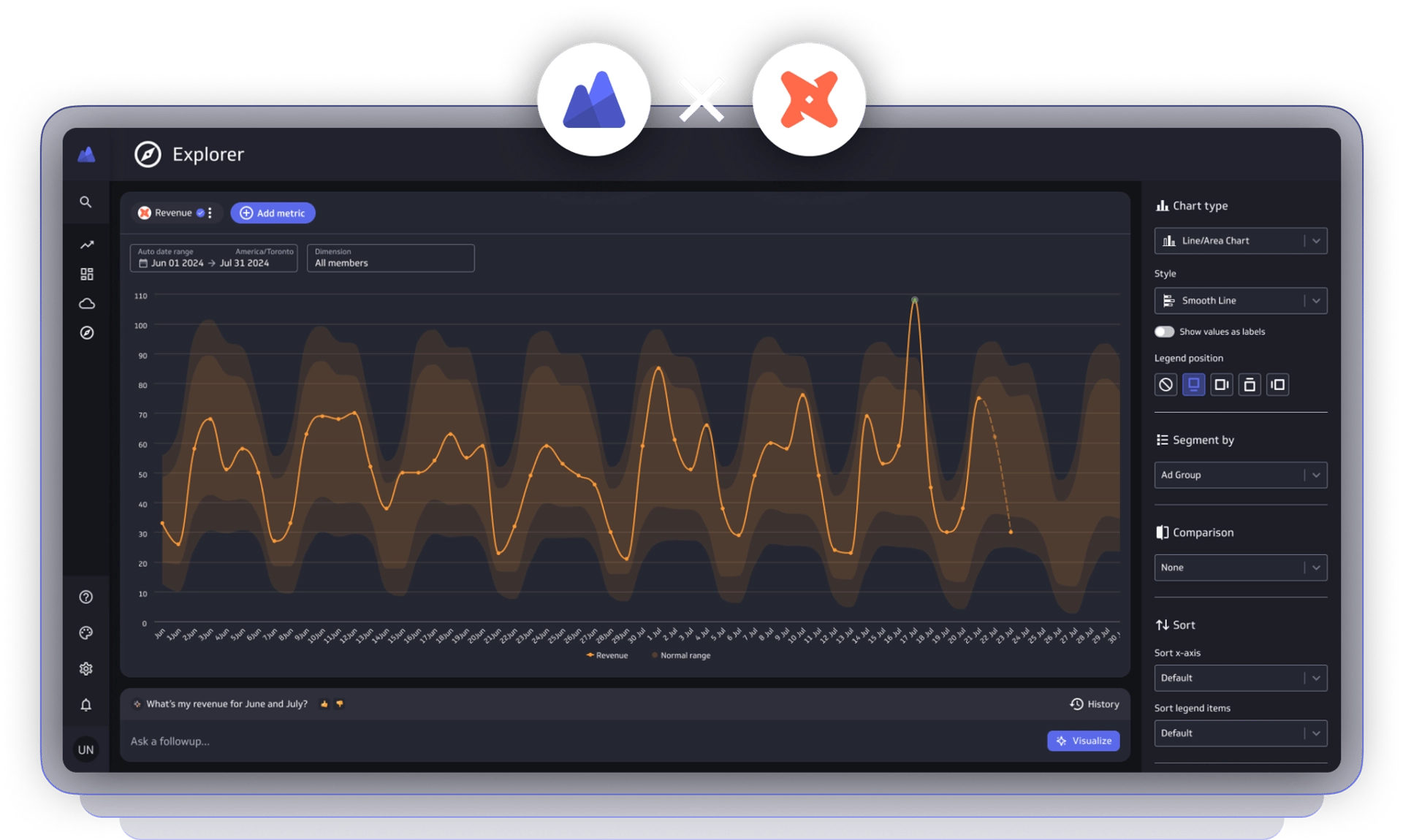
PowerMetrics provides the visual interface your semantic layer has been missing. Non-technical users get a drag-and-drop environment to explore dbt-defined metrics, compare performance, and ask questions in plain language—without touching code.
The discovery friction
When metrics live only in YAML files and code repositories, stakeholders have no way to discover them. They don't know which metric is "official" or what the precise definition is without asking an engineer or digging through documentation.
PowerMetrics creates a governed, searchable metric catalog that syncs directly from your dbt project. Every metric is documented, certified, and available in one place. Users find what they need in seconds.
The exploration ceiling
Traditional BI tools often struggle to map 1:1 to your dbt Semantic Layer logic. You end up with a "watered down" version of the metrics you worked so hard to standardize. Filters don't work the same way. Dimensions behave differently. The numbers don't match.
PowerMetrics respects your dbt configuration natively. Dimensions, entities, time grains, and calculated metrics work exactly as you defined them. No translation layer. No logic drift.
How PowerMetrics activates your dbt Semantic Layer
Zero-latency sync with your code
When you update a metric in dbt, it updates in PowerMetrics automatically. MetricFlow configurations—including dimensions, entities, and time grains—are inherited and respected. No manual re-mapping. No broken dashboards. No stale definitions.
Code-driven truth, user-driven insights
Your data team owns the YAML. Your business team owns the exploration. PowerMetrics keeps these workflows separate and synchronized. Analysts maintain production-grade metric logic in dbt; business users explore those metrics visually and ask questions in natural language.
Beyond the dashboard
PowerMetrics doesn't just show a chart. Users can slice, dice, compare, and drill into dbt metrics dynamically. They can ask "How does revenue by region compare to last quarter?" or "Show me customer acquisition cost by channel" without waiting for an analyst to build a new view. This breaks the cycle of constant "can you add a filter?" requests.
AI grounded in dbt metadata
PowerMetrics AI doesn't hallucinate business logic because it doesn't create it—it inherits it from your dbt Semantic Layer. When a user asks for "Revenue by Region," PowerMetrics uses your exact dbt-defined logic to fetch the answer. The result is 100% technically accurate, every time.
A new way to work with metrics
For analytics engineers: Stop being the bottleneck for simple questions. Leverage the work you've already done in dbt to ship a self-serve metric store that stays in sync with your production code. Your team maintains governance; your business users maintain independence.
For business stakeholders: Access the official business metrics directly. No more guessing which dashboard is right or whether the numbers match. If it's in the dbt-backed catalog, it's the truth.
Key benefits
- Query metrics directly from dbt Semantic Layer projects without external data transfer.
- Keep metrics current with automatic updates that align with changes in your dbt project via webhook.
- Explore with confidence using PowerMetrics' intuitive interface and AI assistant for trend analysis and visualization.
- Manage access securely with built-in governance that safeguards your single source of truth.
- Combine sources seamlessly by layering dbt Semantic Layer metrics with data from other connectors for a complete business view.
- Trust your answers with AI-assisted insights grounded in your dbt-defined logic, not guesses.
Get started
Connect PowerMetrics to your dbt Semantic Layer in minutes. Your metrics catalog will sync automatically, and your team can start exploring immediately.
