

Trusted AI and analytics layer powered by Supabase
PowerMetrics connects to Supabase via the PostgreSQL warehouse connector, turning your production Postgres backend into a governed metrics layer. Define KPIs once, give every team member self-serve access to trusted data, and ground your AI assistant in certified metric definitions — without impacting app performance.
Recognized as a front runner (Software Advice), a high performer (G2), and a category leader (GetApp) in Analytics and Business Intelligence.

How to connect to Supabase
See how to connect to any supported data warehouse - including Supabase - and visualize your data as metrics.
Scale your Supabase app and your insights together
Your Supabase backend powers your product. PowerMetrics turns that same backend into a governed metrics layer — so your team gets trusted answers without slowing down your app or your developers.
What is a metrics layer for Supabase?
A metrics layer sits between your raw Supabase data and the people (and AI tools) asking questions about it. It translates normalized Postgres tables into defined, governed business metrics — like Monthly Recurring Revenue or Daily Active Users — that anyone on your team can access without writing SQL.
Why Supabase teams hit a reporting gap
Supabase is built for speed. Developers choose it because they can ship a production-grade backend fast. But once the app is live, a different set of questions starts arriving — from founders, product leads, and investors.
"How many users signed up this week?"
"What is our current MRR?"
"Which cohort has the highest churn?"
These questions are reasonable. Answering them directly from your Supabase database is not. Running complex analytical queries against a production Postgres instance competes with your app's core functions. Response times slow. User experience suffers. And the developer who built the schema becomes the default "human API" for every data request.
That is the reporting gap — and it grows wider as your team and your data do.
Why Supabase teams need a metrics layer
Supabase presents three specific challenges when teams try to add analytics. Here is how PowerMetrics addresses each one.
Supabase challenge | PowerMetrics solution |
|---|---|
Production load — Analytical queries compete with app traffic, risking slower response times for real users | Smart query routing — PowerMetrics uses optimized query paths that minimize load on your Supabase instance, keeping your app fast |
Normalization barriers — Joining | Metric abstraction — Your team works with "Subscription Revenue" and "Daily Active Users," not raw SQL joins |
Connection complexity — Getting a stable BI connection requires understanding Transaction vs. Session pooling, a hurdle that slows everyone down | Pooler-ready integration — PowerMetrics connects via the PostgreSQL warehouse connector and supports both the Transaction and Session pooler configurations out of the box |
From backend data to business decisions — without the friction
PowerMetrics connects to Supabase using the PostgreSQL warehouse connector. Once connected, you define your metrics once. Every person on your team — and every AI tool you use — works from the same governed definitions from that point forward.
Turn app tables into business logic
Map your Supabase public and auth schemas directly to a governed metric catalog. Define the logic for each KPI once, and PowerMetrics handles the aggregations. No repeated SQL. No conflicting definitions across spreadsheets.
Give your team self-serve access
Non-technical stakeholders — founders, marketers, customer success leads — can explore live Supabase data through PowerMetrics' intuitive UI or AI assistant. They get answers in plain language. Developers get their time back.
Connect Supabase to your full data picture
Join your Supabase application data with external sources like Stripe, Google Ads, or HubSpot to build a complete view of product health in a single metric. One dashboard. One source of truth.
AI grounded in your backend truth
Your Supabase schema is the source of truth for your app. PowerMetrics makes it the source of truth for your AI, too.
The PowerMetrics AI assistant is grounded in your governed metric definitions. When a founder asks "What is our churn this month?" the answer comes from the same certified metric logic your data team approved — not from a model guessing at your schema. Every answer is technically accurate, auditable, and consistent. That is why AI grounded in governed metrics avoids the hallucinations that plague less structured approaches.
That is the difference between AI that feels useful and AI you can actually trust.
Built for every role on your team
For developers: Set up the connection once using your preferred pooler configuration — Transaction or Session — and stop fielding ad hoc data requests. PowerMetrics becomes the self-serve layer between your database and your business users.
For founders and product leads: Stop piecing together answers from raw tables or waiting on a developer. Get clear, trusted metrics directly from your Supabase backend, powered by an AI assistant that understands your business context.
What you get with PowerMetrics and Supabase
PowerMetrics connects to 130+ data sources, so Supabase is one piece of a larger, unified picture. Here is what the integration delivers:
Metric Catalog — Define, certify, and govern every KPI in one place. Ownership, descriptions, and access controls keep definitions clean across your organization
AI assistant — Ask questions about your Supabase data in plain language and get answers grounded in your governed metric definitions
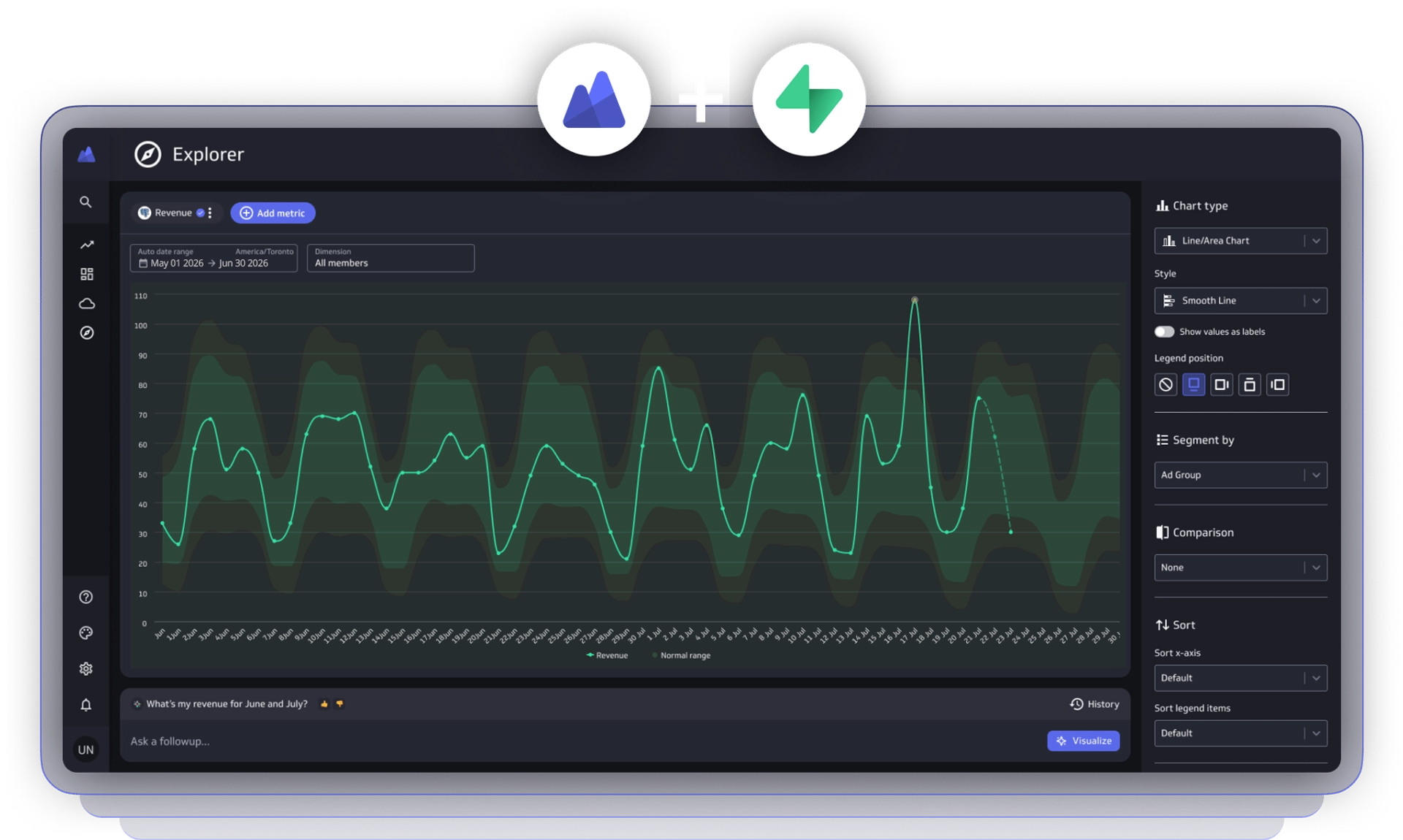
Explorer — Let any team member explore metrics, spot trends, and compare performance without touching the database
Dashboard builder — Assemble and share dashboards that combine Supabase data with metrics from Stripe, Google Ads, and 130+ other connectors
Goals and notifications — Set targets against your Supabase-sourced metrics and get notified when performance shifts
Flexible refresh rates — Keep metrics current with refresh intervals from 1 minute to 24 hours
To learn more about what makes a good metrics analytics platform and whether PowerMetrics is the right fit for your team, visit our FAQ.
How to connect Supabase to PowerMetrics
PowerMetrics connects to Supabase using the PostgreSQL warehouse connector. Depending on your Supabase project configuration, you will select either the Transaction pooler or the Session pooler during setup.
The Transaction pooler works well for most standard connections. If your queries require session-level features — such as prepared statements or advisory locks — use the Session pooler instead. Both options give you a stable, persistent connection optimized for Supabase's PostgreSQL architecture.
Setup takes minutes. Once connected, your Supabase tables are available to model, join, and transform into governed metrics using PowerMetrics' formula engine and metric configuration tools.
Build with Supabase. Measure with PowerMetrics. Start your free trial today — no credit card required.
