
Set goals and hit your business targets in PowerMetrics
 Jonathan TaylorPublished 2022-05-18
Summary: Set targets for every metric and stay informed when it matters. PowerMetrics Goals & Notifications help your team move beyond reporting to confident decision-making.
PowerMetrics Goals & Notifications helps you set targets for every metric and stay informed when it matters. This feature transforms how your team works with data—moving beyond reporting to decision-making.
Metrics in PowerMetrics are already robust. You can toggle between visualizations, apply filters to segment data, and access rich data history. Goals add an essential layer: context that answers the question every leader asks first: "Are we hitting our targets?"
The real competitive advantage isn't the data you have—it's how you use it. Goals give you the control to confidently lead your business or team toward measurable outcomes.
Notifications: Your early warning system
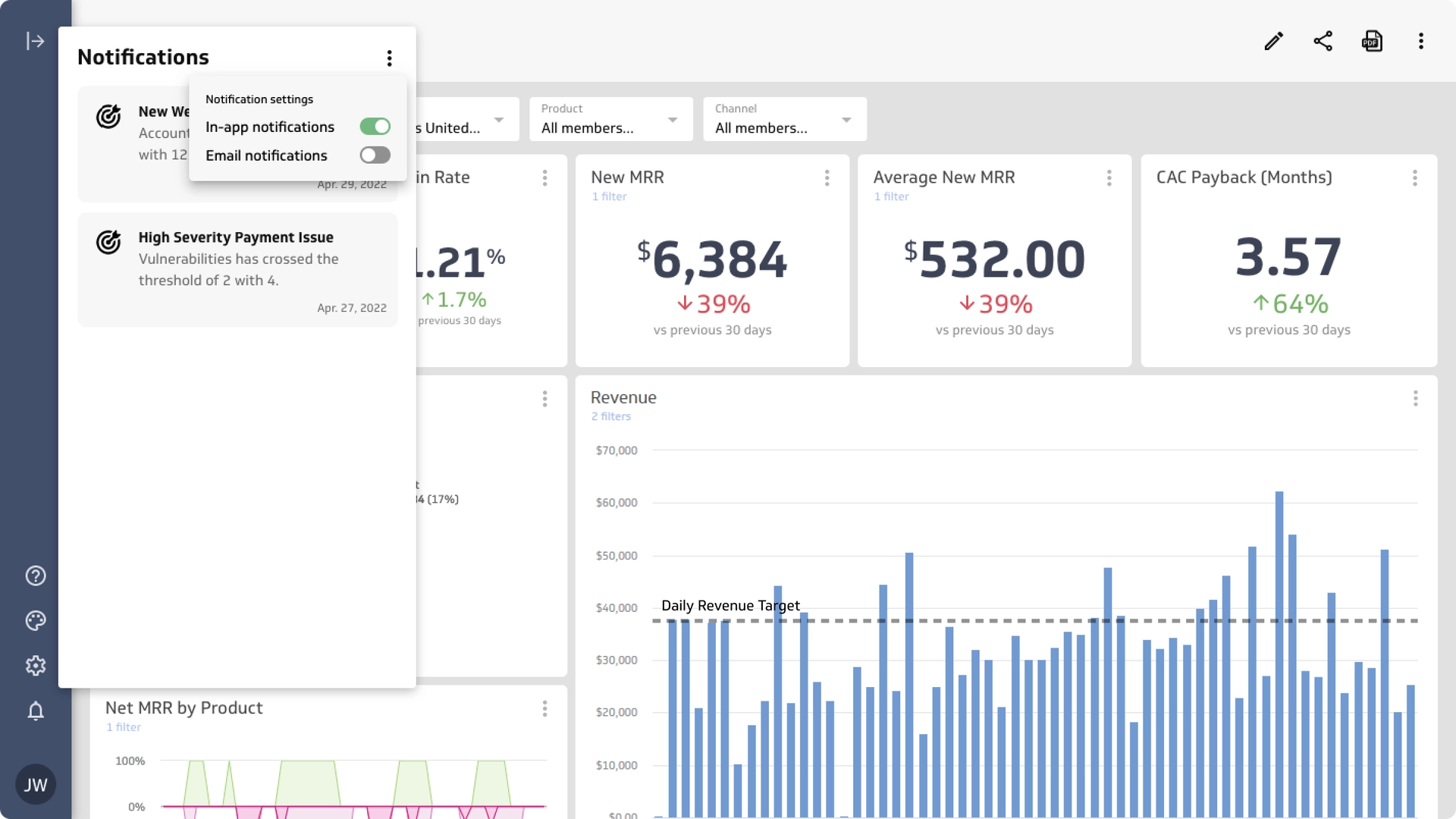
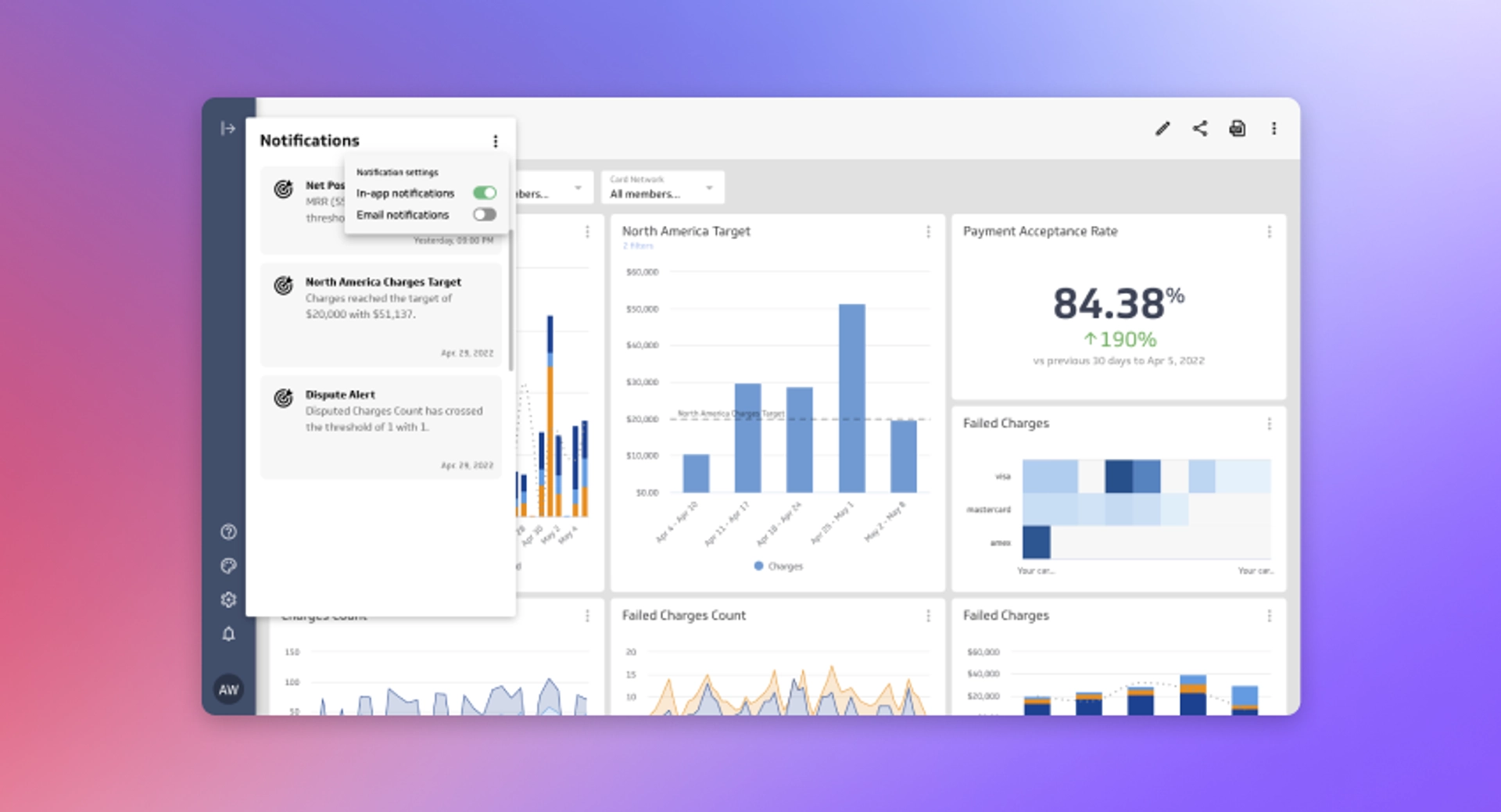
The backbone of Goals is a smart notification system. When you set a goal on any metric, PowerMetrics monitors progress and alerts your team—in-app or via email (or both).
Here's what makes notifications powerful:
Real-time alerts: Notifications appear instantly as you cross thresholds, so no one misses a critical moment.
Automatic delivery: Email notifications reach users even when they're not logged in.
Contextual links: Each notification includes a direct link to the metric, so your team sees why they were alerted and can act immediately.
Team visibility: All users with access to a metric receive notifications, keeping everyone aligned.
Two types of goals: recurring and threshold
PowerMetrics supports two goal types, each designed for different tracking needs.
Recurring goals
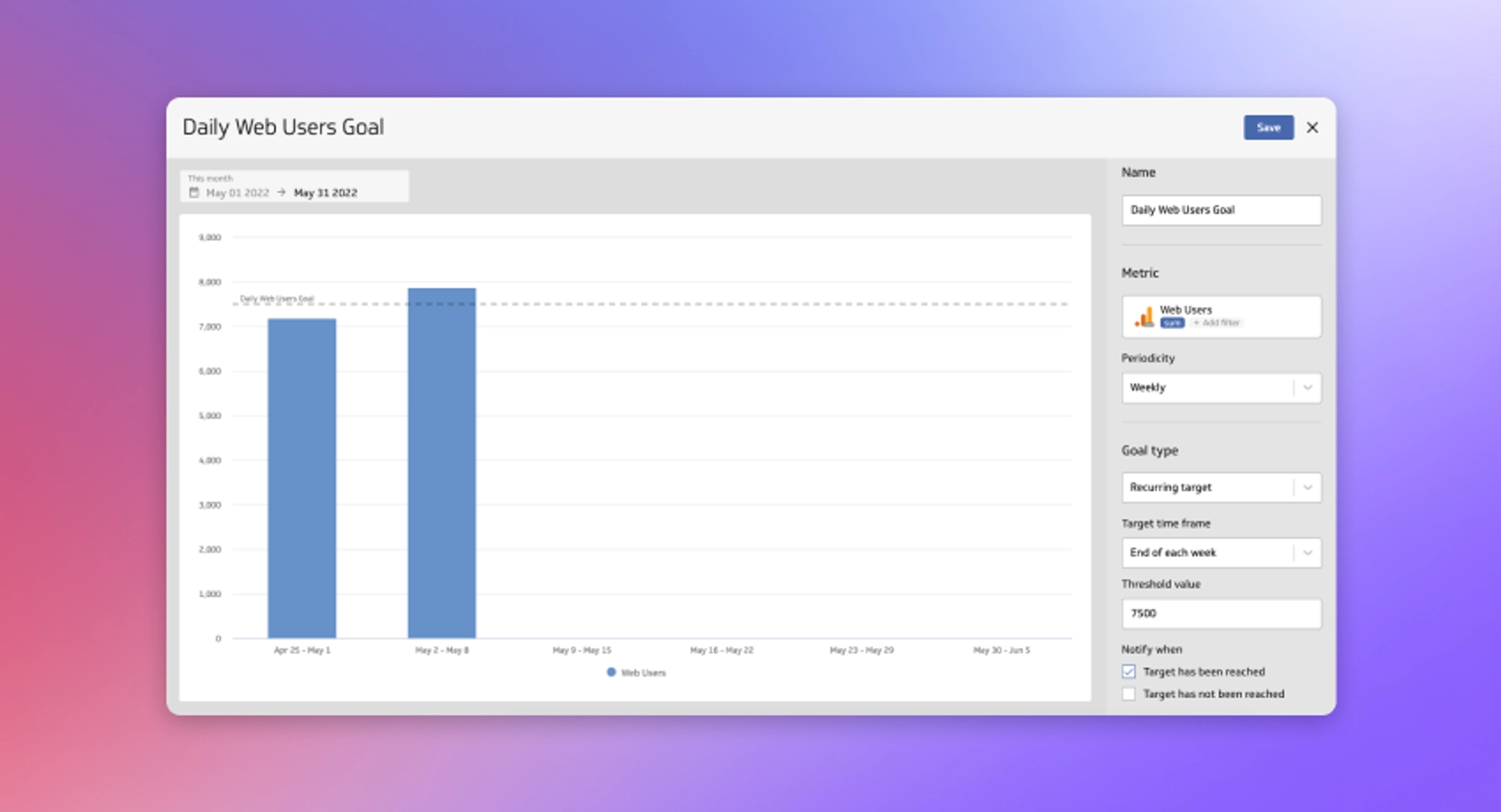
Recurring goals track progress toward a target within a specific time period (daily, weekly, monthly, or custom). Use them when you want to know: "Did we hit our target this period?"
Example: Set a daily goal for web users to measure whether your digital marketing is driving traffic.
Notification timing:
If you achieve the goal, you're notified immediately (e.g., 3 PM if you hit the target at 3 PM).
If you miss the goal, you're notified at the end of the period (e.g., 12:00 AM for a daily goal).
Since metrics support multiple goals, you can layer daily, weekly, and monthly targets on a single metric for deeper insight.
Threshold goals
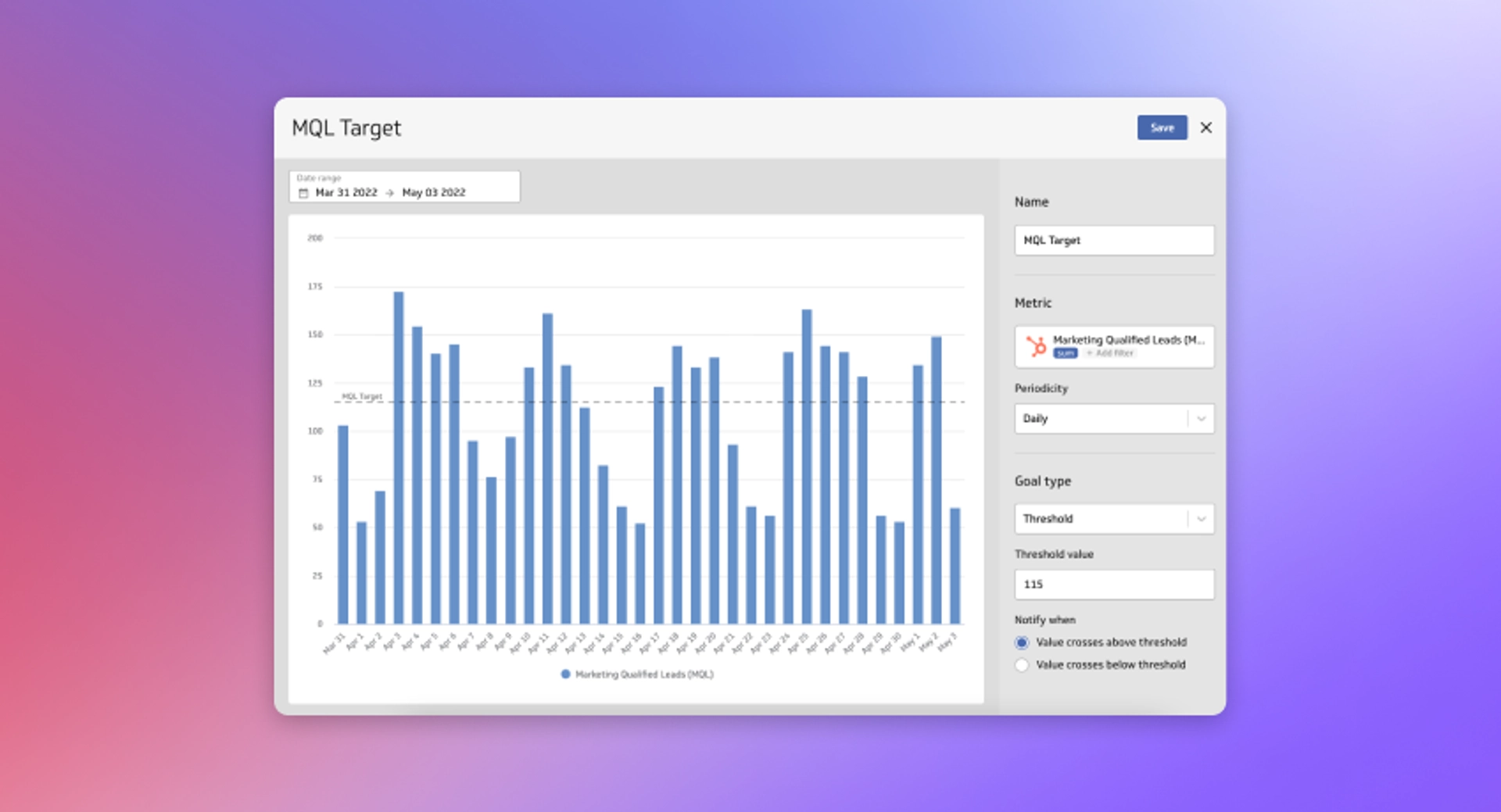
Threshold goals monitor whether a metric stays above or below a target value. They're designed to catch exceptions—the moments when something goes wrong.
Example: Set a threshold goal to alert your team if marketing qualified leads (MQLs) drop below a certain level. Since low MQL volume signals upstream pipeline problems, real-time notification lets you respond fast.
Unlike recurring goals (which move linearly toward a target), threshold goals are fluid. They trigger whenever your metric crosses the boundary, making them ideal for exception-based monitoring.
Set goals on any metric type
Goals work with all metrics in PowerMetrics: instant metrics, custom metrics, and calculated metrics.
Calculated metrics are particularly powerful for goal-setting. Since calculated metrics combine one or more metrics in a formula, you can set goals on ratios and derived KPIs that matter most to your business.
Example: Create a calculated metric for your LTV:CAC ratio (customer lifetime value to customer acquisition cost), then set a threshold goal to alert your team if the ratio drops below your target. Learn how to create calculated metrics in PowerMetrics.
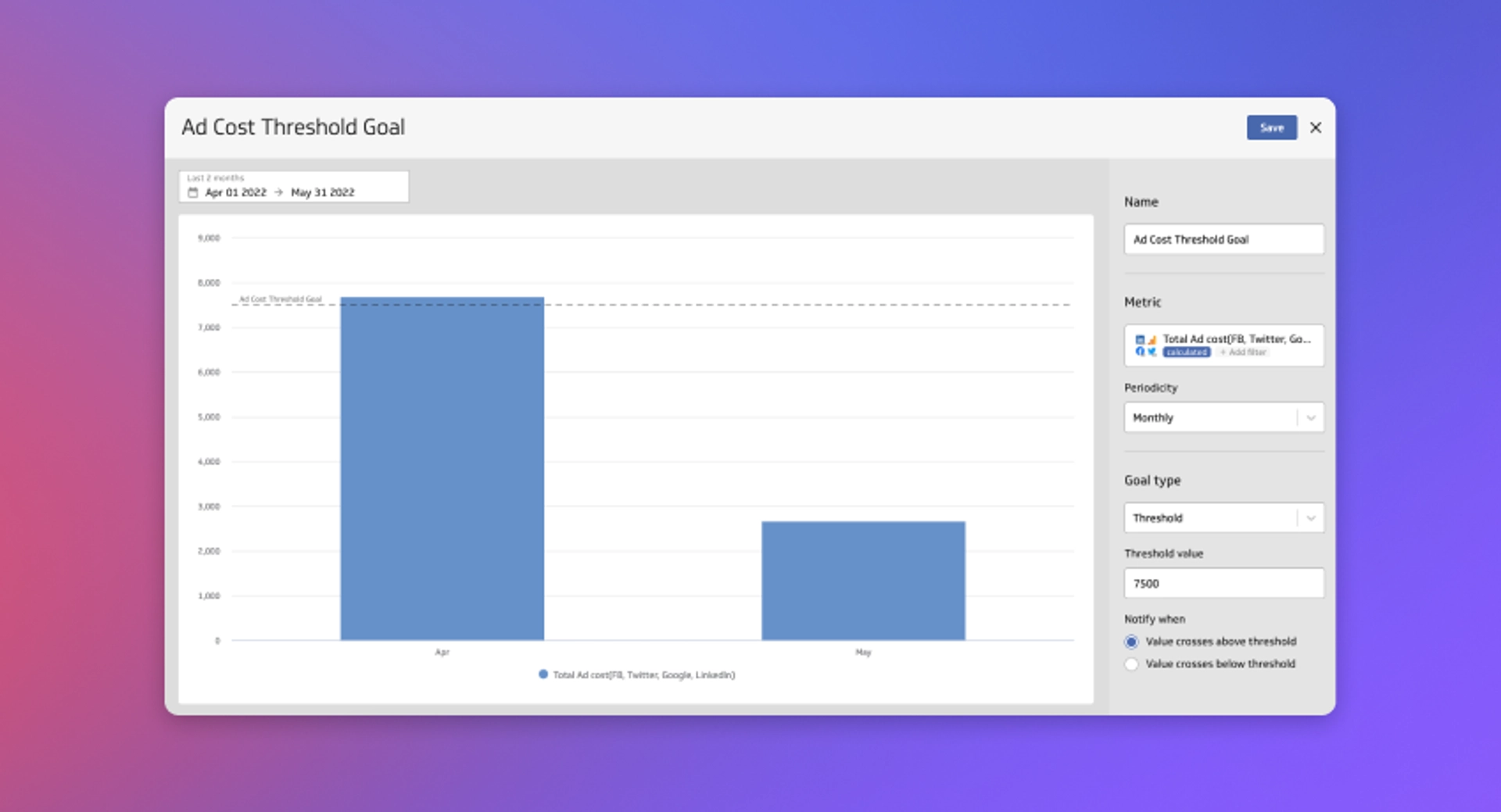
Display goals on dashboards
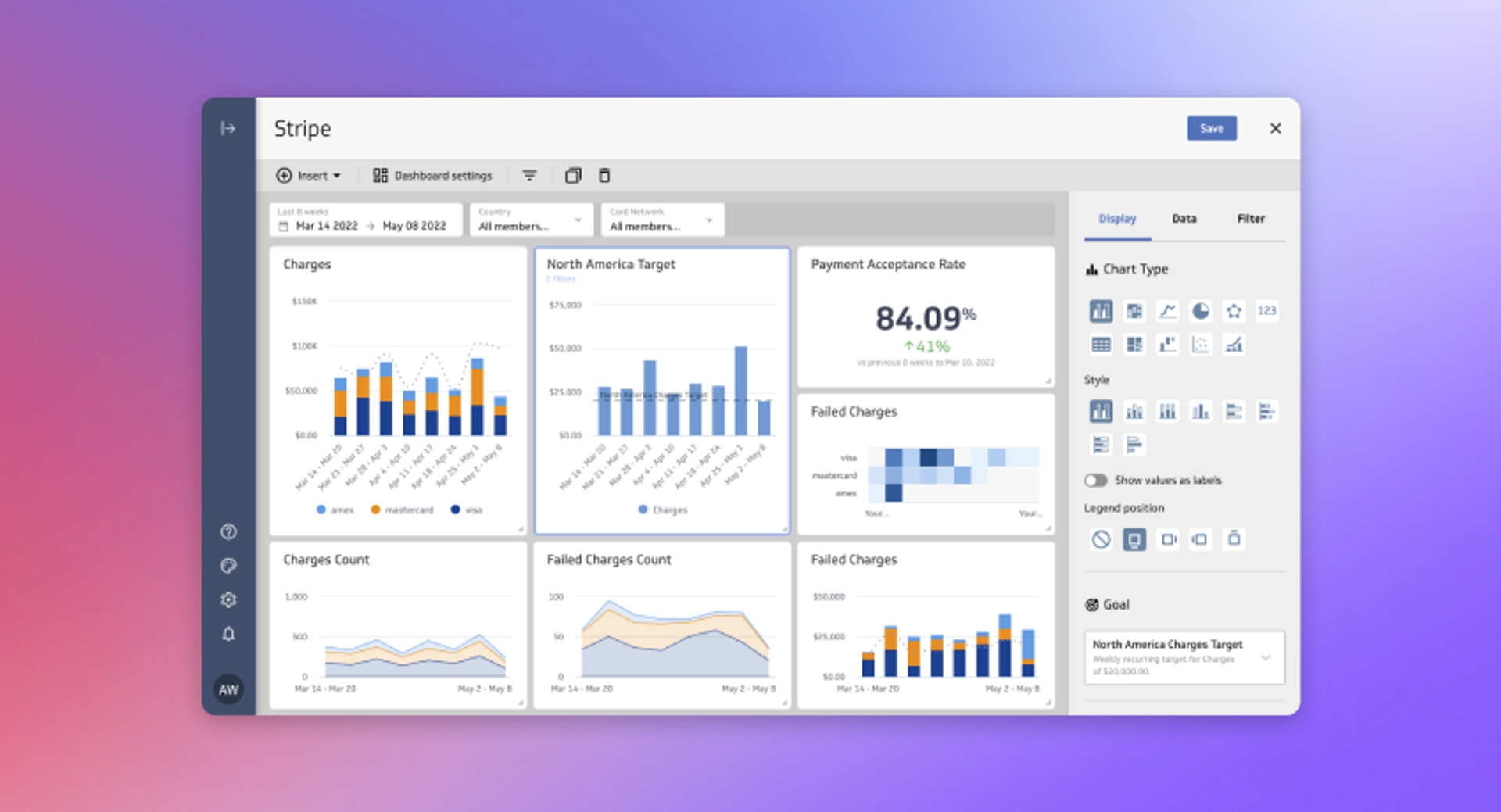
Goals add context to every dashboard. When you add a goal to a metric, it displays on line charts and bar charts, giving your team a visual reference for performance.
This is especially useful for shared dashboards where multiple users monitor the same metrics. Everyone sees the target, making it clear what success looks like.
Use filters to refine goals
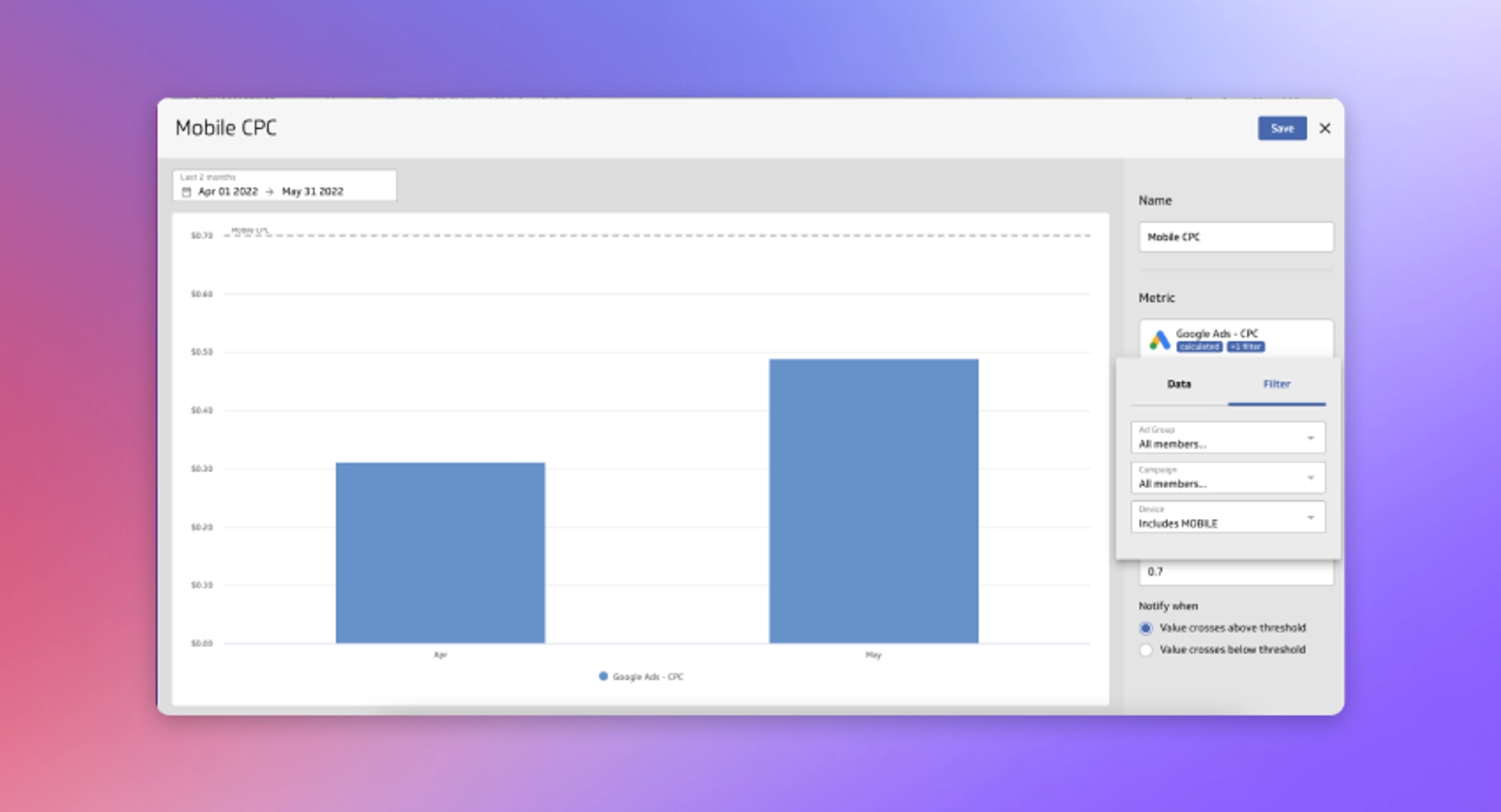
Goals support dimension filtering, letting you set precise targets for specific segments within a single metric.
As you select a dimension, the goal preview updates in real-time, showing how your goal compares against current values. This lets you fine-tune goals to measure specific processes or cohorts.
You can add up to 10 goals per metric, so you might set different goals for different regions, product lines, or customer segments—all on the same metric.
Smart context: When other users view a filtered goal, PowerMetrics automatically applies the correct filters to their view. This keeps everyone aligned and makes cross-team goal tracking seamless.


Get started with goals
Adding a goal to any metric in PowerMetrics is fast and straightforward. Whether you created the metric recently or months ago, it supports goals.
Goals are designed to help teams like yours extract more value from your metrics. By setting targets and enabling notifications, you ensure everyone knows when it's time to act on your data—turning metrics into decisions.