
What’s New in PowerMetrics: Spring and Summer 2025
Summary: Ready for longer days, lighter dashboards, and clearer targets? This Spring and Summer 2025 update focuses on speed to insight. You get crisp goal visuals, flexible goal logic that fits real-world planning, and small quality-of-life upgrades that make dashboards feel effortless.
See your targets at a glance
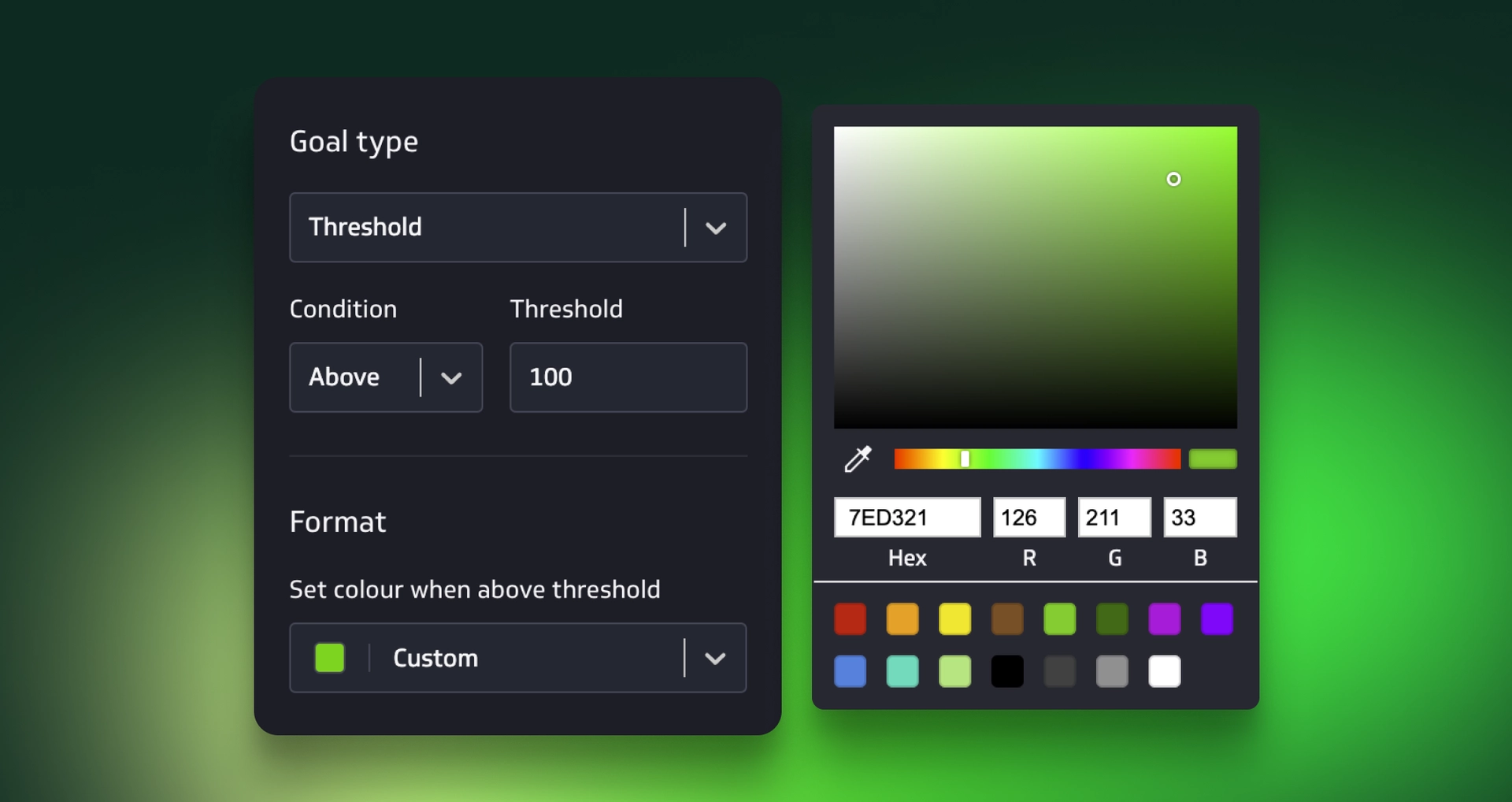
Progress should be obvious. You can now set goal colours for bar or column, line or area, and summary charts. When conditions are met, colours kick in so wins pop without a second look. Add either a bullet or a dashed line to mark your target value, which keeps goals visible even in busy charts.
Need the gap spelled out? Turn on the new highlight delta for goals. It shows the difference between current and target values right on the chart, so you can spot shortfalls or wins instantly.
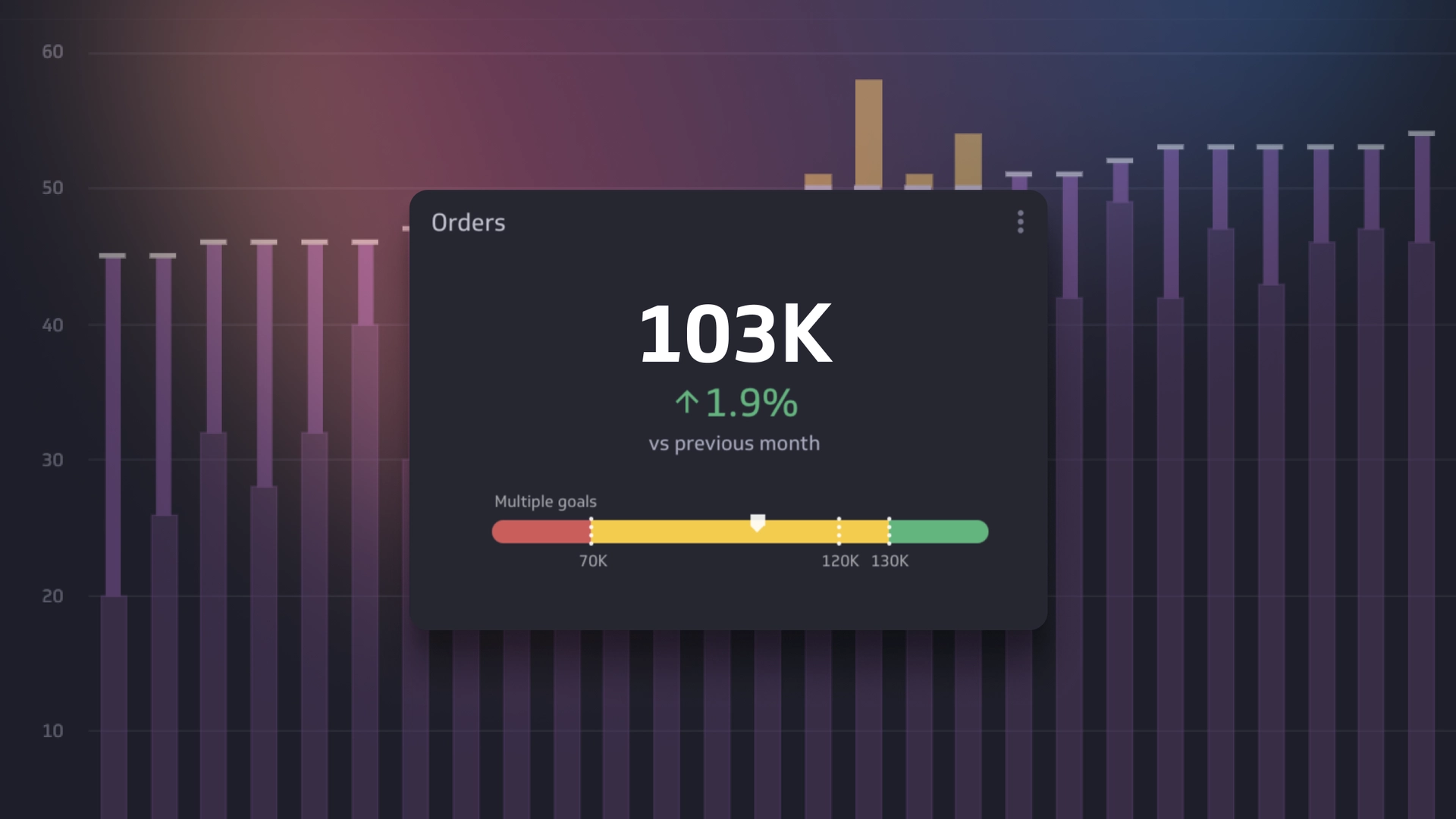
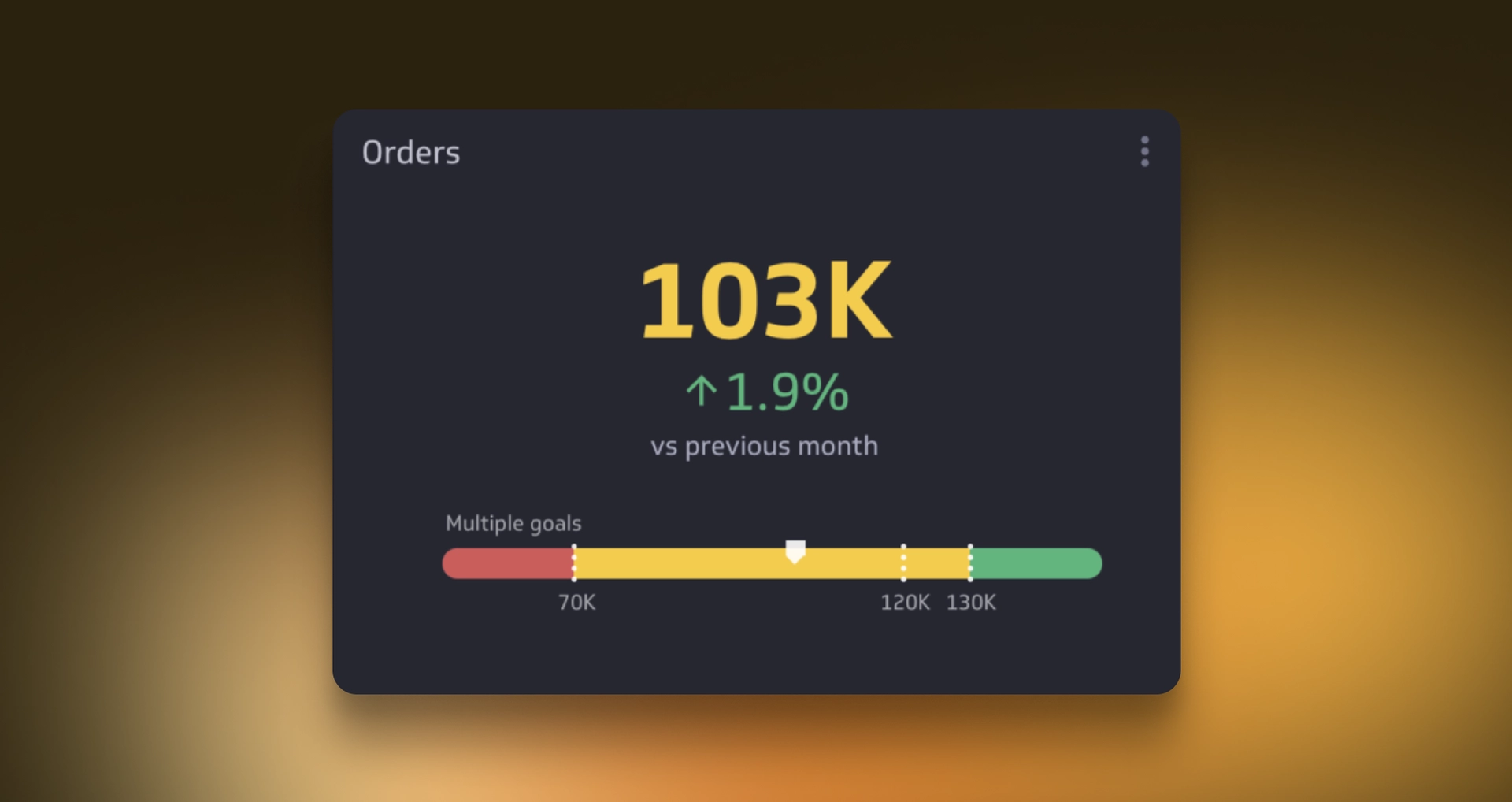
Summary charts got a glow-up. Add a coloured background and show up to three threshold goals at once. That means your key cards can call out minimums, stretch targets, and on-track zones in one tidy view.
Smarter goals that work the way you plan
Planning cycles rarely match a single date grain. "Select Any" for goal periodicity to keep a goal visible regardless of the visualization’s date range or time period. Monthly review, quarterly board pack, year-to-date snapshot, it stays put.
Tracking milestones side by side just got easier. Display up to 10 goals at the same time in bar, line, or area charts. Map stepping-stone targets, compare teams, or stack OKR tiers without juggling separate views.

Targets can move with your business. Use other metrics as goals for threshold, range, or recurring targets. Tie “Revenue per User” to “Acquisition” growth, set an alerting band based on “Support Volume,” or anchor a sales target to last quarter’s actuals. Your goals stay connected to reality, not guesswork.
Dashboards that feel just right
Multi-metric charts now arrange the way your story flows. Reorder individual metrics with simple drag and drop, so the hero metric leads, supporting context follows, and your audience stays focused.

