
What’s New in PowerMetrics: Winter 2025
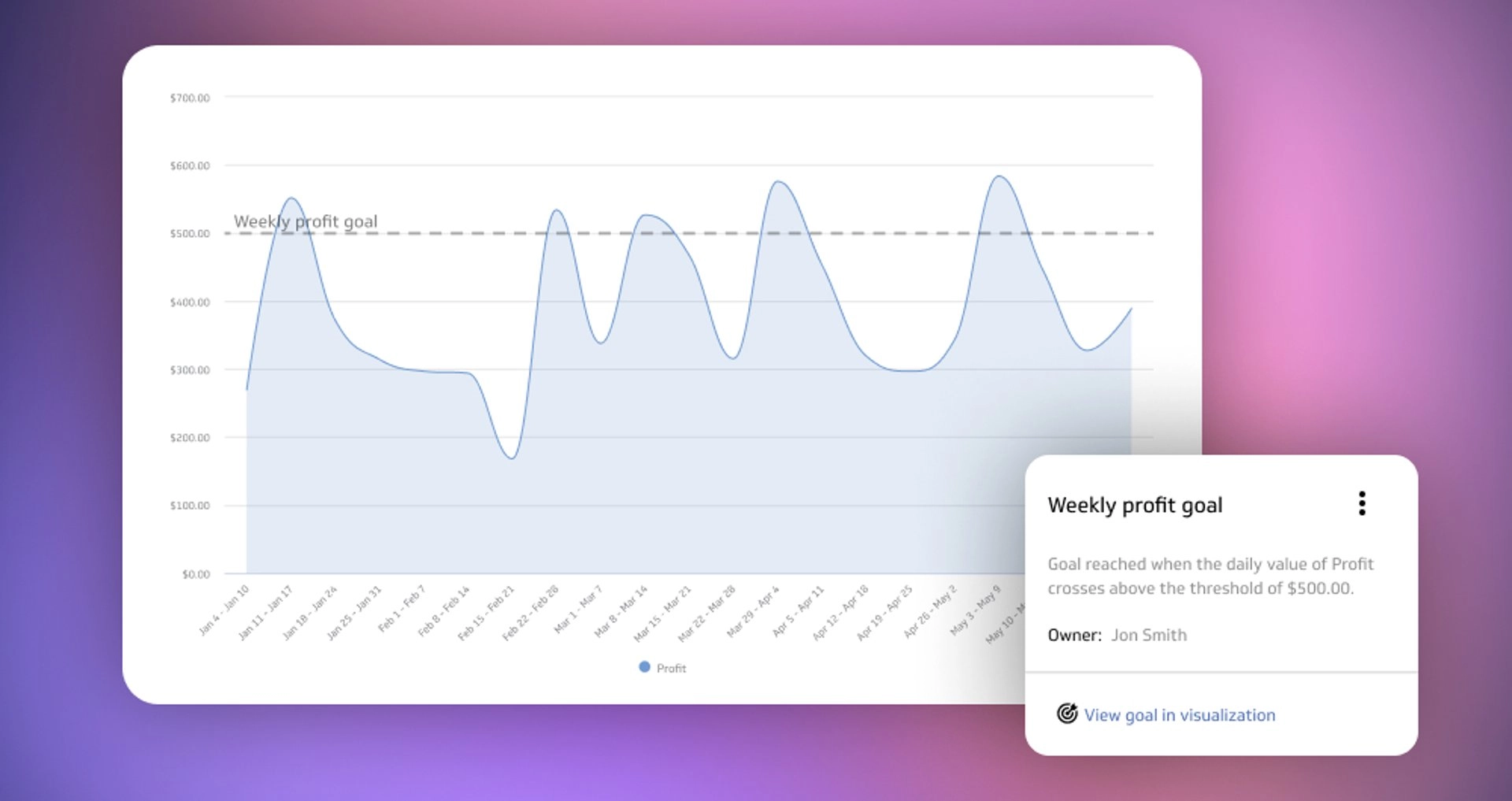
Summary: Shorter days, quicker insights. Winter calls for crisp charts, tidy tables, and targets you can trust. This release turns up creative control for visualizations, brings smarter, real‑world goals, streamlines table layout, and freshens the interface with brighter colours and a smoother dark mode.
Creative control, built in
Building precise visualizations just got easier. In Explorer, on dashboards, and on metric homepages, you can fine‑tune single and multi‑axis bar, line, and combination charts. Adjust line styles for contrast, hide or show gridlines, axis lines, and axis values, create custom axis labels for clarity, and set adaptive value ranges so scales respond to your data. The result is a chart that reads cleanly at a glance and still carries the detail your analysts expect.
Goals that match the real world
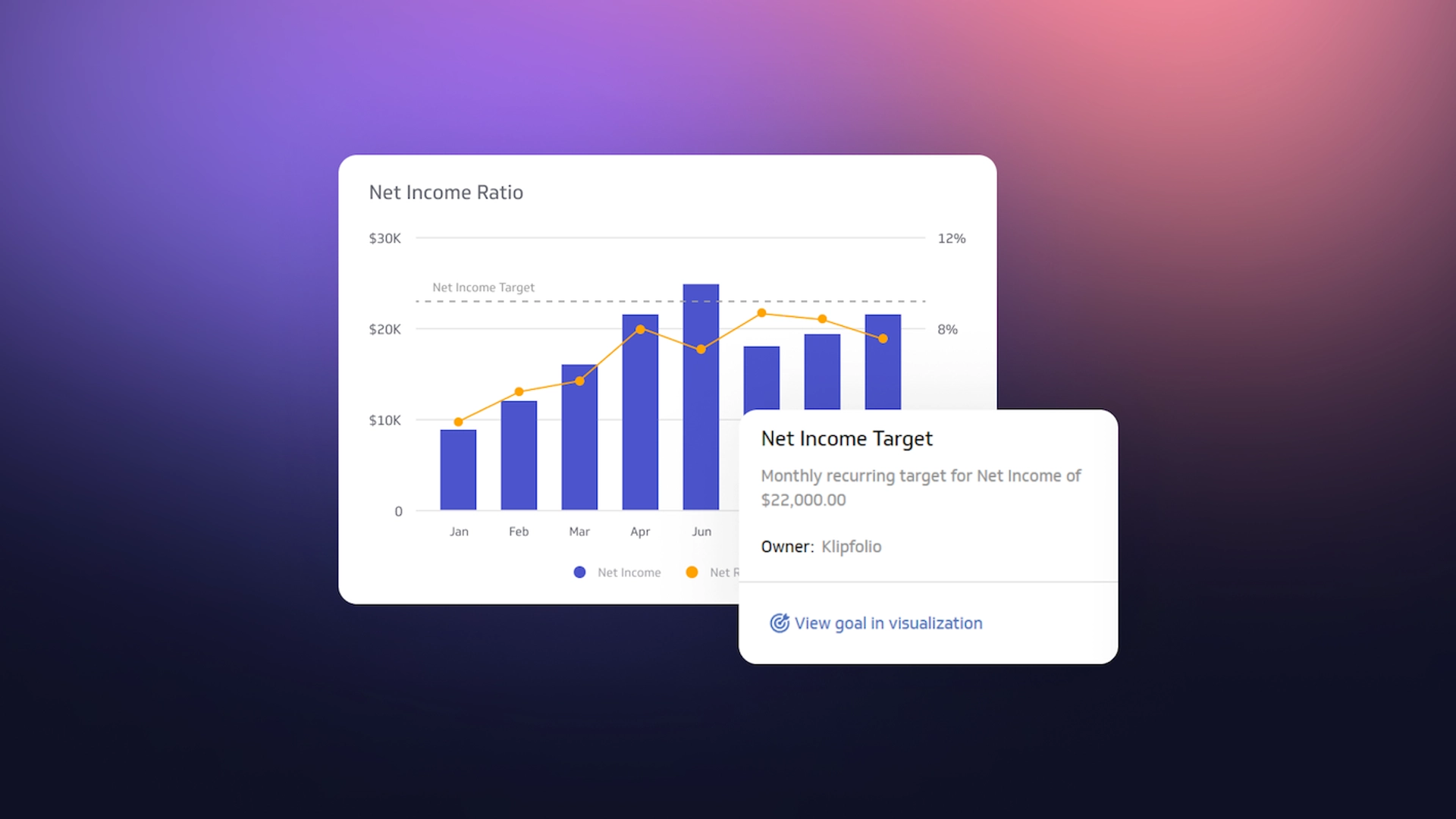
Targets aren’t always a single number. Set metric goals based on a range of values, then see them on bar, line, area, and summary charts. You’ll get notified when values enter or exit the band, which is perfect for healthy ranges like response times or inventory levels. Go deeper by applying metric goals to segments. Set different ranges for key dimensional members, monitor progress by region, product, or channel, and keep each owner focused on the outcome that matters.
Faster layout and a fresh look
Move columns into the order your audience expects. Reorder list table columns in Explorer, on metric homepages, and across dashboards, so reviews run smoother and exports make sense on first read. While you’re at it, enjoy the updated look and feel. The brighter colours pop on TVs and slides, and the improved dark mode makes long work sessions easier on the eyes without sacrificing contrast.
Ready to put these updates to work? Request a demo to see Winter 2025 on your data, or start a free trial and build your first chart in minutes.

