
Measures, metrics, and KPIs: The fundamentals of analytics

 Allan WillePublished 2026-06-02
Summary: Confused by the terms KPI, metric, and measure? This guide gives you crisp definitions, practical examples, and a simple workflow to understand and apply them successfully. Get everyone on the same page and move from reports to real decisions.
Why clarity matters as your business grows
You hear KPI, metric, and measure used like they mean the same thing. They don't. As your business scales, clean definitions reduce debate, speed up decisions, and keep your dashboards honest. Think of them as a stack of increasing strategic value:
Measures: The raw ingredients (data fields)
Metrics: The recipes (calculations)
KPIs & Goals: The scoreboards (strategic targets)
Getting this hierarchy right helps you shift from simply reporting "what happened" to diagnosing "why it happened" and deciding "what to do next."
1. Measures: The raw data field
A measure is the most basic, fundamental numeric value or raw data field available in your source systems — like your CRM, e-commerce platform, or data warehouse.
A measure is a column of numbers before any calculation, averaging, or counting is applied. Measures have no inherent context, goal, or time limit. They are the atomic data points everything else is built on.
Key characteristics
Measures are the foundation of your data architecture. They are raw numeric units such as dollars, counts, minutes, or leads.
Examples of measures (the raw input field)
The dollar amount of every sale transaction.
The duration (in seconds) of every website session.
The count of every support ticket created.
Measures and PowerMetrics
When you connect a data source to PowerMetrics, the initial field you select — like "Sales Amount" or "Customer ID" — is your measure. The platform stores the history of those raw values and aggregates them (SUM, COUNT, AVERAGE, MIN/MAX) when you create a metric.
2. Metrics: Performance with context
A metric combines one or more measures and applies definition, aggregation, and date granularity to track and assess performance.
A metric is the result of a calculation — or expression — giving your raw data the context needed for analysis. By standardizing the math, whether it's a rate, ratio, or average, you ensure consistent performance tracking across the organization.
Key characteristics
Metrics transform raw measures into trusted, consistent business-defined building blocks:
Contextual: They express how well a specific process or funnel step is working.
Standardized: They are built with a single, certified formula used the same way every time, preventing "version drift" in reporting.
| Measures (raw inputs) | Metric (performance calculation) |
|---|---|
| Sales Amount | Total Sales: Sum(Sales Amount) |
| Revenue, Orders | Average Order Value (AOV): Sum(Revenue) / Count(Orders) |
| Marketing Spend, New Customers | Customer Acquisition Cost (CAC): Sum(Spend) / Count(New Customers) |
Metrics are your first stop when diagnosing a change. If sales dip, you check your Average Order Value or Conversion Rate metrics to pinpoint where in the process the focus is needed.
Operationalizing metrics
In PowerMetrics, you create a metric by picking your measures, applying the necessary aggregation and formula, and defining the date granularity — daily, weekly, or monthly. You then use dimensions such as channel or product to slice the metric, providing deeper insights.

3. KPIs and goals: Strategic targets and direction
A Key Performance Indicator (KPI) is a strategic metric tightly linked to a top business objective. The "Key" is crucial — KPIs are the handful of metrics leadership uses to judge whether the business is winning the overall strategic game.
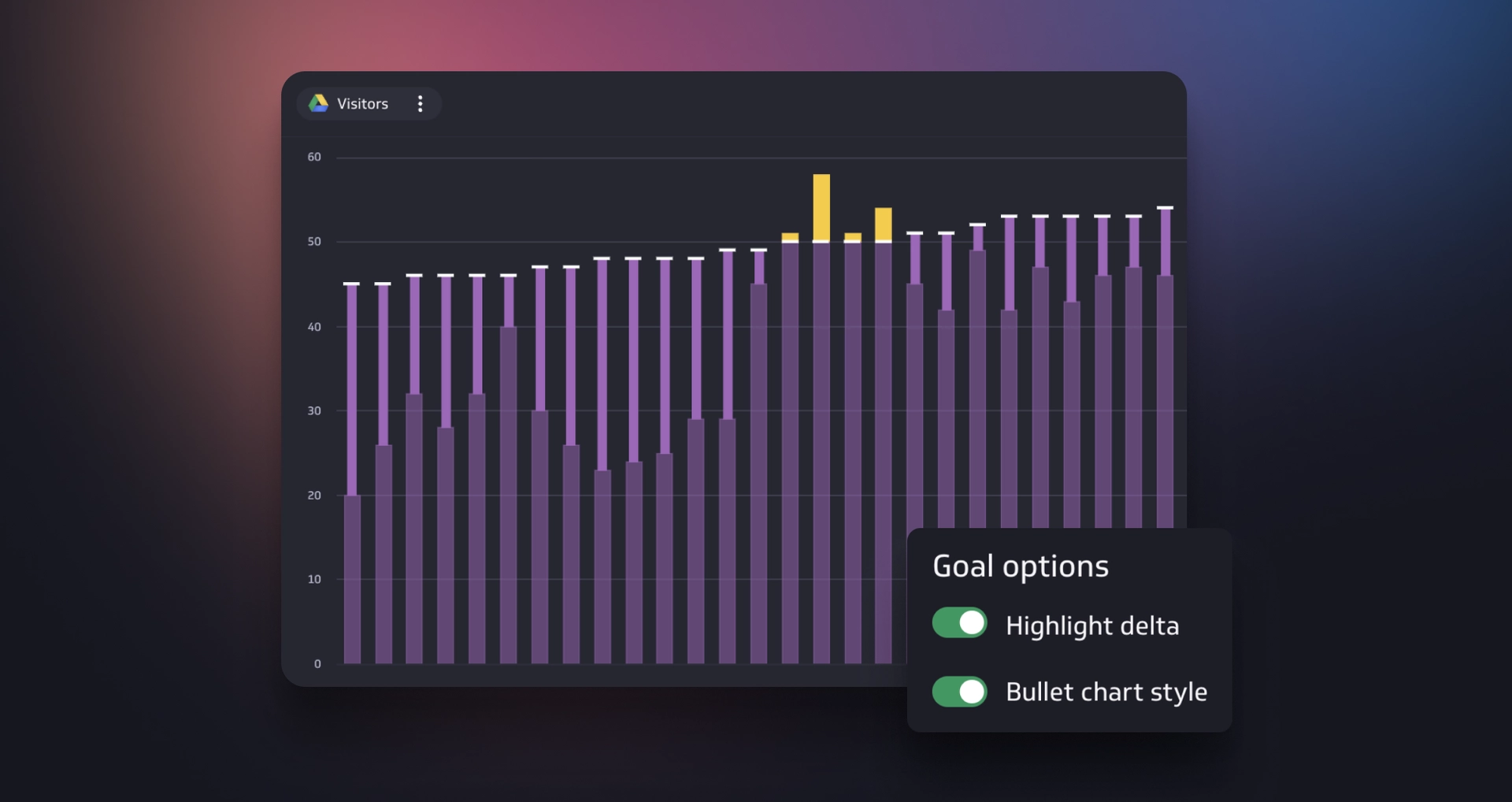
A KPI is a metric that has been given a goal line and a deadline.


The role of goals
In an analytics platform, a goal is the business intent that gives purpose and directionality to a metric.
KPI (the intent): The high-level objective — for example, "Improve profitability."
Goal (the mechanism): The specific target value and time frame applied to the metric.
Metric vs. KPI in one glance
| Concept | What it is | Example |
|---|---|---|
| Measure | Raw values. | Orders, Sales Amount, Visitors |
| Metric | Performance calculation. | Conversion Rate: Count(Wins) / Count(Visitors) |
| KPI (metric + goal) | Strategic target with a deadline. | Achieve a 4% e-commerce Conversion Rate in Q4 2025. |
Putting it together: The bike store example
Picture a small custom bike store whose owner is focused on achieving sustainable growth.
| Component | Strategic purpose | Metric / measure |
|---|---|---|
| KPI (the goal) | Increase recurring "bike tune-up" revenue and scale efficiency. | Hit $5,000 in Monthly Recurring Revenue from bike tune-ups by end of Q2. |
| Core metrics | The levers to pull to move the KPI. | Customer Retention Rate, Average Revenue per Customer, Customer Acquisition Cost. |
| Measures (inputs) | The raw data feeds required for the calculations. | Ad Spend, New Customers, Existing Customers, Revenue. |
This setup works because every team knows that improving Retention and lowering CAC directly influences the strategic MRR Goal — their ultimate KPI.
Why consistent metric definitions matter
Inconsistent definitions are one of the most common reasons teams lose trust in their data. When two people calculate "Monthly Revenue" differently, every meeting becomes a debate about numbers rather than a discussion about decisions.
Defining metrics once — with a certified formula, a clear description, and a named owner — eliminates that friction. Everyone pulls from the same source, uses the same logic, and sees the same answer.
This is where a Metric Catalog earns its value. Rather than rebuilding the same calculation in five dashboards or five spreadsheets, you define it once and reuse it everywhere. When the definition needs to change, you update it in one place, and every dashboard, report, and AI query reflects the change immediately.
PowerMetrics is built around this principle. Each metric carries its definition, formula, certification status, and ownership — so your team always knows what a number means, where it comes from, and whether it can be trusted.
Operationalizing with PowerMetrics
1. Connect sources and identify measures
Connect all your platforms — Shopify, Stripe, Google Ads, spreadsheets — and select the base numeric fields you care about. These are your measures: the atomic units on which you will build meaningful metrics.
2. Create and certify metrics
Use PowerMetrics to define the aggregation type, the format (currency, number, percentage), and the formula where applicable — for example, Revenue / Orders. This single, consistent definition, once certified, prevents debate about the math and builds data trust across your organization.
3. Set goals to create KPIs
Turn your strategic metrics — like MRR or Retention Rate — into formal KPIs by setting a goal: a specific numeric target and a deadline, such as $5,000 by June 30. Add comparisons and notifications so leadership sees a live scoreboard and receives immediate alerts when targets slip or are achieved.
4. Share and act
Use your metrics to build a dashboard that tells a clear, compelling story. Encourage weekly reviews to spot changes early and act before targets slip.
Quick reference: Definitions you can share with your team
Here are the three core terms, ready to copy into a team doc or shared dashboard.
Measure: A raw numeric field from a source system — for example, "Sales Dollars."
Metric: A calculation that describes performance using one or more measures — for example, "Average Order Value."
KPI: A strategic metric with a specific target and time frame — for example, "Reach $5,000 MRR by June 30."
Where to start today
Getting your metrics framework in place doesn't require a big project. Start with these five steps:
Pick one business objective for the next quarter.
List the two or three metrics that move it most.
Identify the measures required for those metrics.
Build the metrics in PowerMetrics and add a goal.
Share the dashboard and schedule a weekly review.
Trusted by thousands of growing organizations, PowerMetrics gives non-technical teams a clear catalog of metrics, flexible dashboards, goals, and alerts. That clarity turns debates into decisions that drive growth.